
Your own phone system, with an AI on the line
IdleVoip does the job the phone company’s exchange used to do — extensions, queues, voicemail, recording — and adds an assistant that answers calls in natural conversation when your team can’t. Deployed on your server, managed by us, priced in rand.
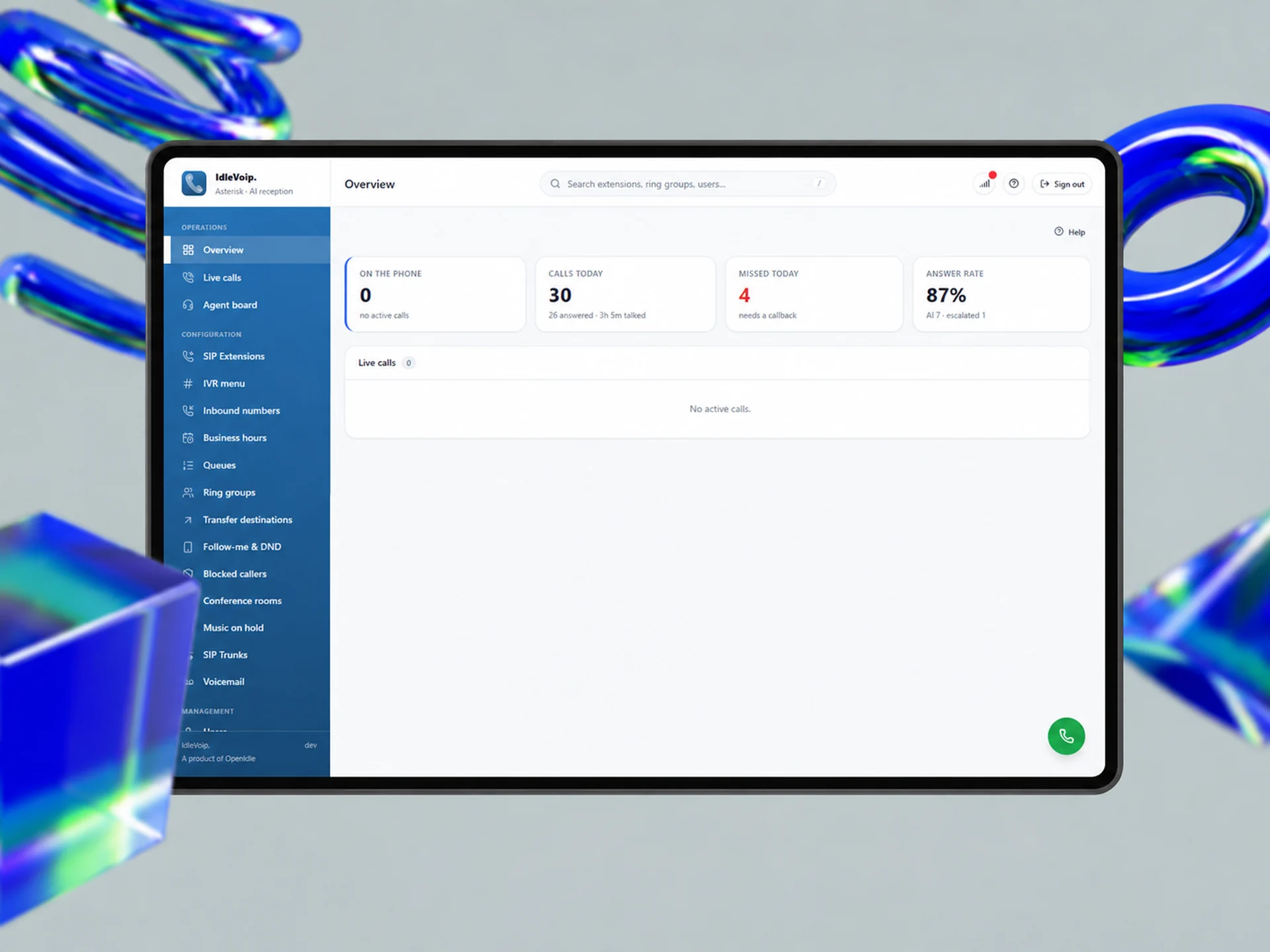
Most cloud phone systems charge per seat, keep your recordings overseas and stop at “press 1 for sales”. IdleVoip is a full PBX you own, with an assistant that actually talks to callers.
IdleVoip is built on Asterisk, the telephony engine behind a large share of the world’s business phone systems, packaged as five containers that run on a single server or VPS. Your extensions, SIP trunks, inbound numbers, IVR, ring groups, queues, business hours, voicemail, conferences and hold music are all configured from one plain-English web console — and most changes take effect on the next call, with no restart.
The AI receptionist answers when a number, a queue overflow or an after-hours schedule sends the call its way. It listens to the caller speak naturally, replies in a synthesised voice within a couple of seconds, takes requests and messages, and hands over to a person the moment the caller asks — or when it senses frustration. It never claims to have booked, confirmed or paid anything; a human actions every request.
Speech recognition and text-to-speech run on your own machine, so caller audio never leaves it. Recordings only happen when both the console switch and the spoken consent notice are in place — enforced in the dialplan, not just the interface — which is how RICA and POPIA expect a South African business to behave.
A complete PBX, on your own server
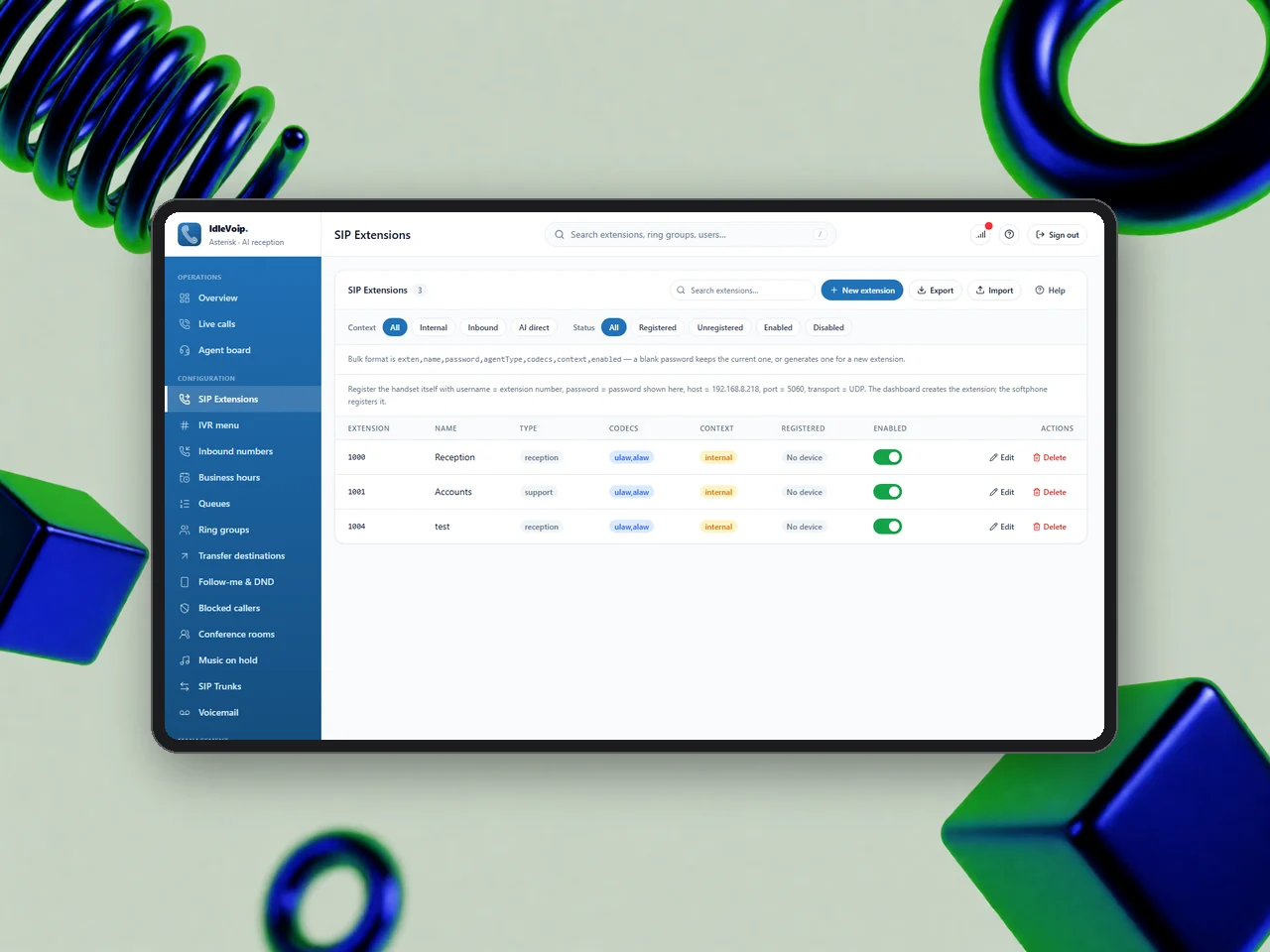
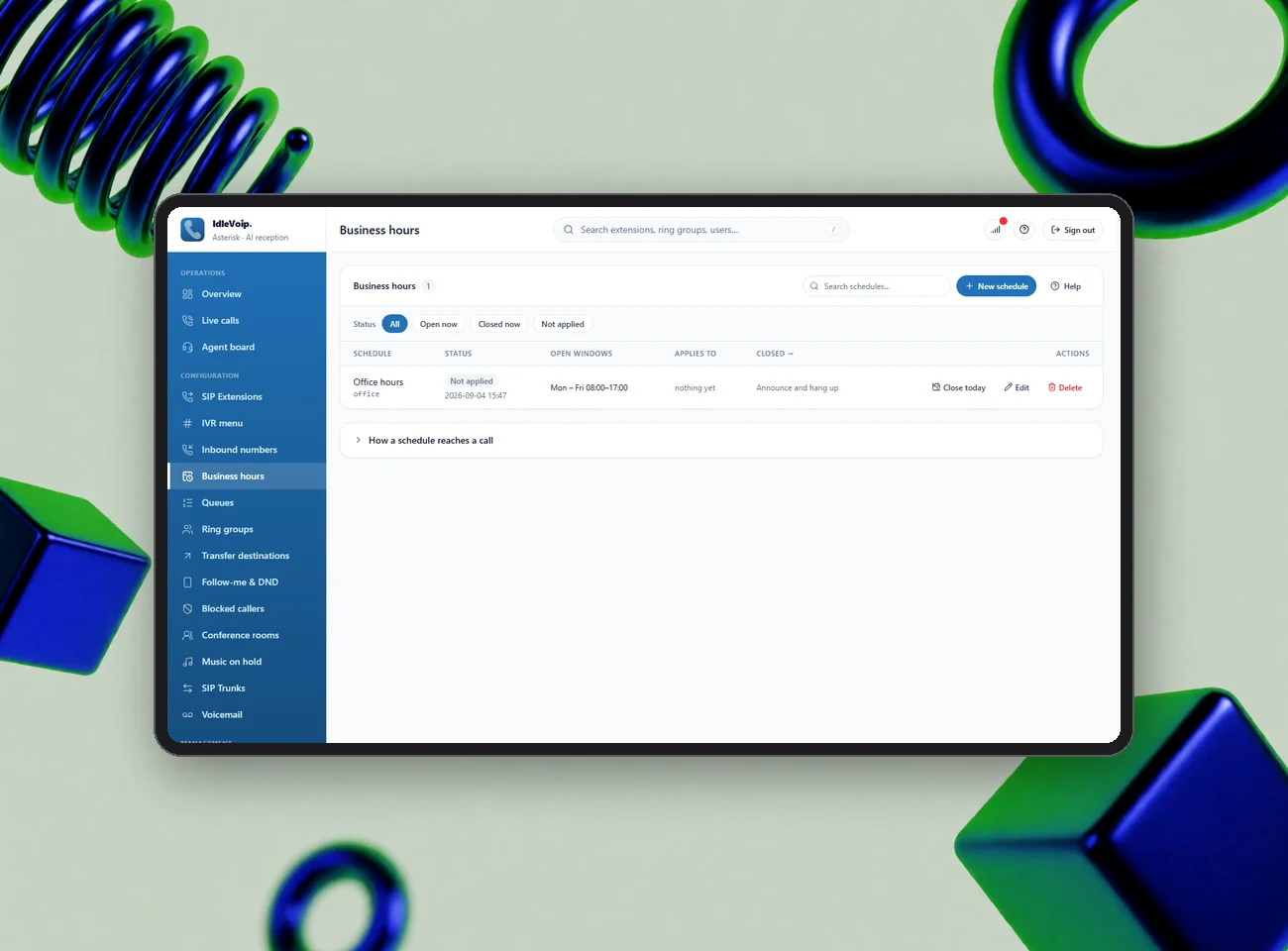
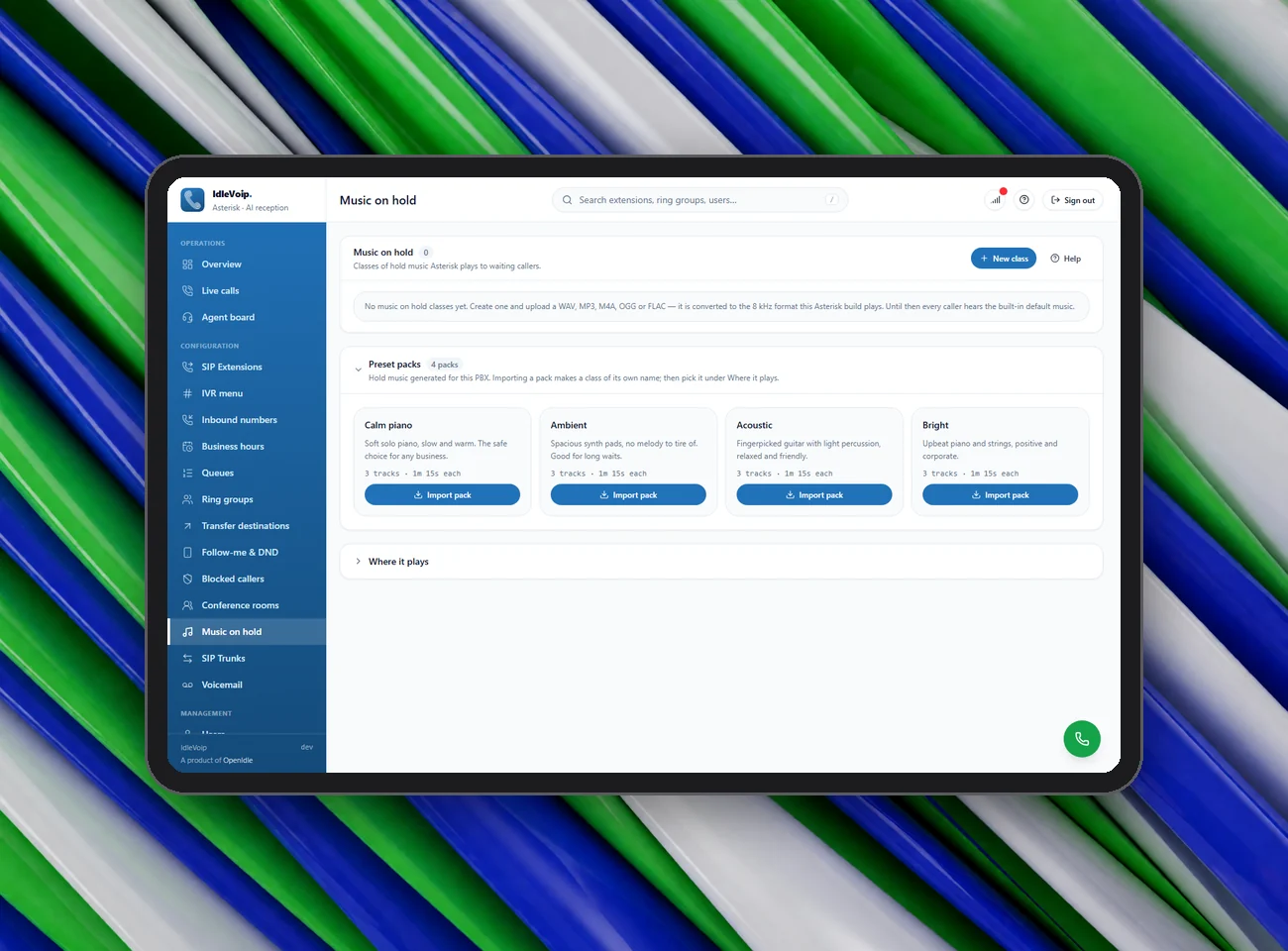
Everything a business phone system needs, configured from the console in the order a call actually flows: inbound numbers, business hours, the IVR menu, ring groups and queues, individual extensions, follow-me and voicemail. South African public holidays are computed automatically, blocked callers are refused before anything answers, and each extension is registered twice — once for a desk phone and once for the browser softphone — so both ring together.
Inbound numbers, business hours with SA public holidays, IVR, ring groups, queues, extensions, follow-me and voicemail — all configured in one console, applied on the next call.
Extensions & trunks
Create extensions in seconds with a password generator and CSV import. Connect any SIP trunk with registration or IP authentication and get an email if it drops.
IVR, ring groups & queues
A ten-key IVR with uploaded or preset-voice announcements, ring groups for departments, and real queues with ring strategy, hold music, overflow and live wait stats.
Business hours & voicemail
Named schedules with their own timezone, holidays and a “close today” override. Voicemail is transcribed, summarised and emailed to you with the audio attached.
An assistant that answers when your team can’t
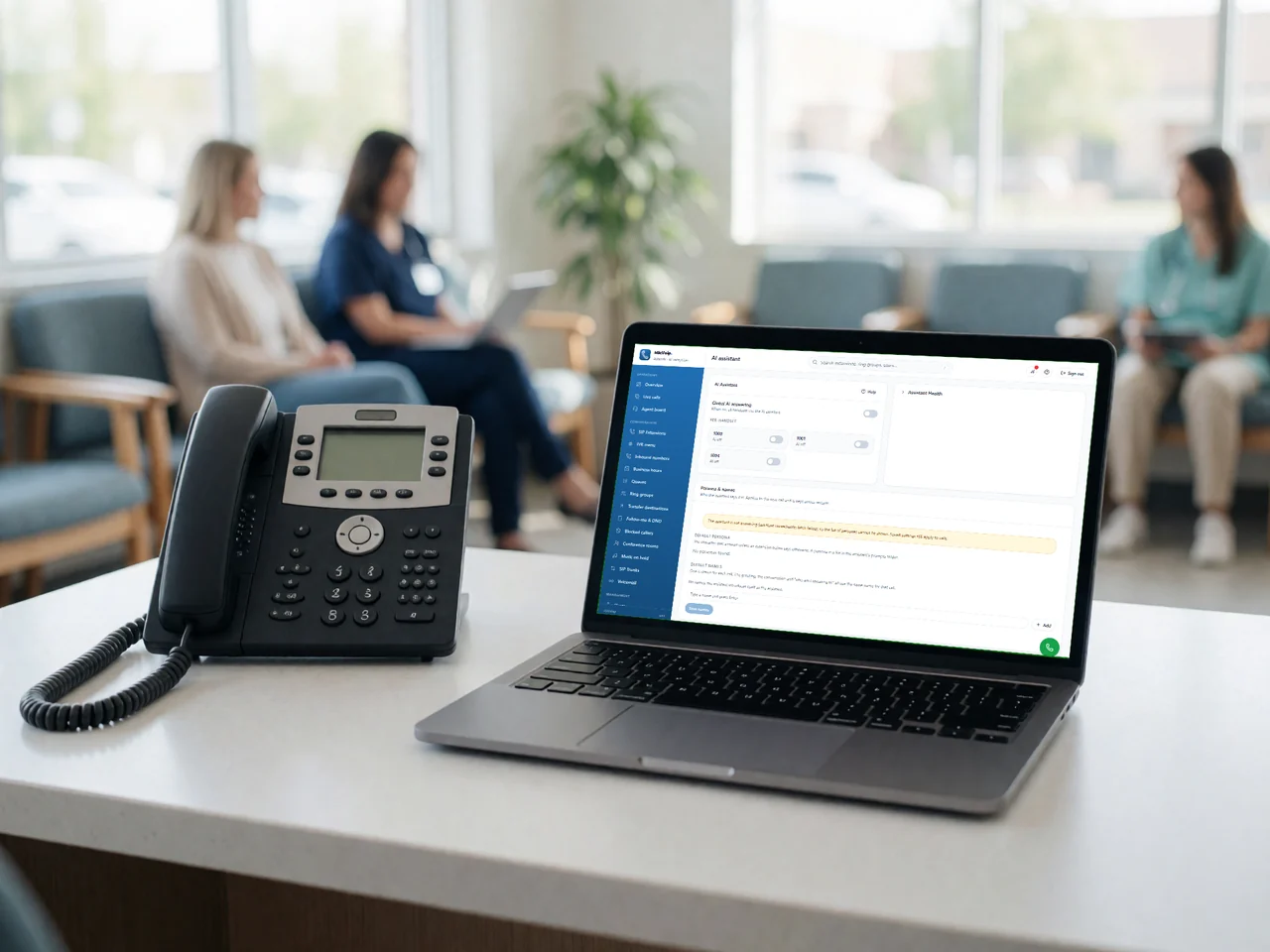
Point a number, an IVR key, a queue overflow or an after-hours rule at the assistant and it picks up. Callers speak normally — no keypad menus — and hear a reply in about two seconds. The assistant speaks South African English, uses rand, knows today’s date and the weather, and spells names back letter by letter. Choose a persona per number: medical practice, letting agency, IT service desk, contact centre or a neutral switchboard.
Callers speak normally and hear a reply in about two seconds. The assistant takes messages, spells names back and hands over to a person on request. Pick a persona per number.
Natural conversation
Local speech recognition, a fast language model and a self-hosted voice, racing multiple providers so the first reply wins. If anything fails, it apologises and escalates — never silence.
Messages, not promises
The assistant takes requests and messages for a human to action. It never claims a booking is confirmed, never asks for ID or card numbers, and never argues with an angry caller.
Hand-over to a person
Escalation on request, on frustration, on repeated misunderstanding, or forced by a supervisor. Once a call is with a person, it never returns to the assistant.
A console that is also a telephone
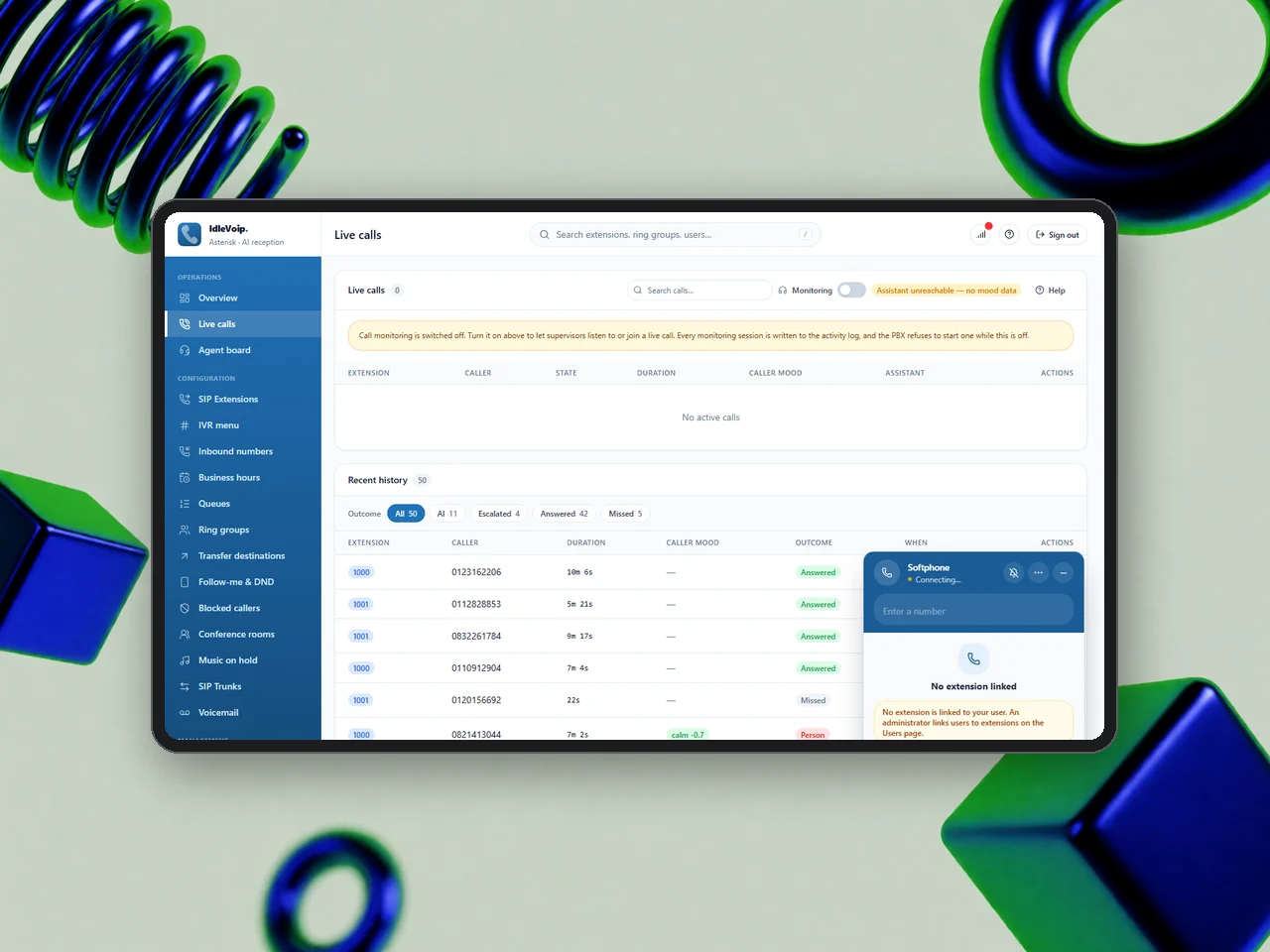
The green button in the corner of every page opens a working phone: dialpad, contacts by name, voicemail with unheard count, hold, mute, transfer, three-way calls and do-not-disturb — with no hardware. Supervisors watch the live-calls board and agent wallboard, can listen in or barge on a call, and can force an AI call over to a person. Every page has a plain-English help entry and a guided tour that reads itself aloud.
A browser softphone on every page, a live-calls board and agent wallboard for supervisors, and a plain-English help entry with a narrated guided tour on every screen.
Browser softphone
A real SIP endpoint in the browser with device selection, in-call keypad, transfer, add-a-call and an incoming-call popup with ringtone.
Live calls & agent board
Every live channel with end, hold, block, listen and barge actions, plus a wallboard of every handset showing free, ringing or talking and today’s stats.
Help that explains itself
Written for the owner of a small business, not an engineer: an A–Z of every page, a glossary, a start-here setup guide and a narrated tour on each screen.
Know what happened on every call
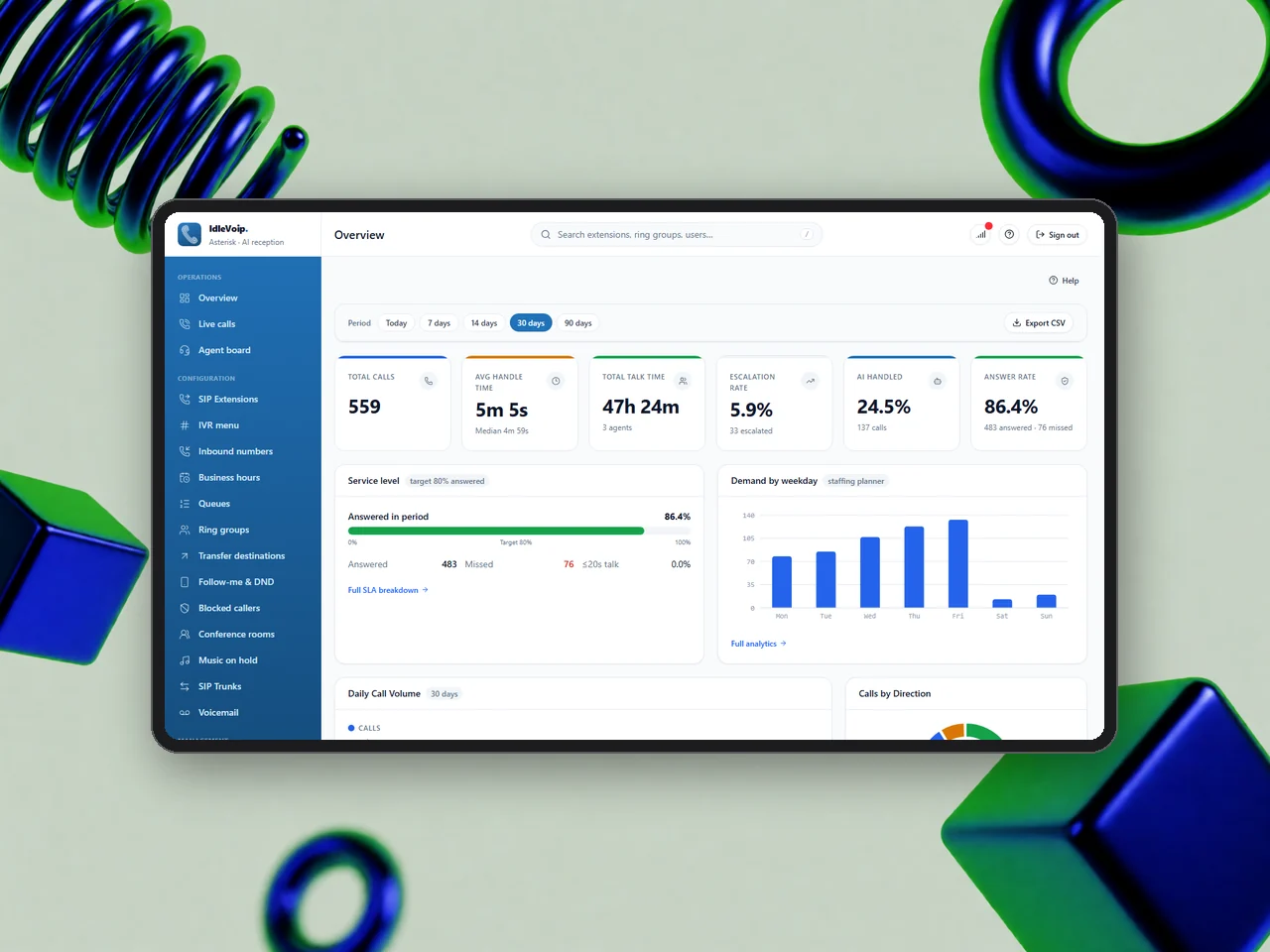
Recordings and voicemails are transcribed on your own server with clickable timestamps, summarised by the language model, and searchable with free-text questions. Reports cover volume, answer rate, service level, peak hours, sentiment and per-agent performance, with CSV export and scheduled email summaries. Billing applies a rand rate card per second, tracks spend by day, extension and destination, and can enforce hard monthly budgets in the dialplan.
Local transcription with timestamps, AI summaries and Q&A over recordings. Reports for volume, service level, peak hours and agents. Rand billing with rate cards, budgets and CSV export.
Transcribe, summarise, ask
Audio stays on the machine for transcription; only the text goes to the model for a summary. Ask a question about a call and get an answer with context.
Reports & SLA
Total calls, handle time, answer rate, escalation rate, service level attainment, demand by weekday, peak-hour heatmap and a card per agent with drill-down.
Billing in rand
Per-second rate cards for landline, mobile and international, spend by extension, alert and hard budgets per month, day and extension, and international blocking before the trunk.
Built for South African rules
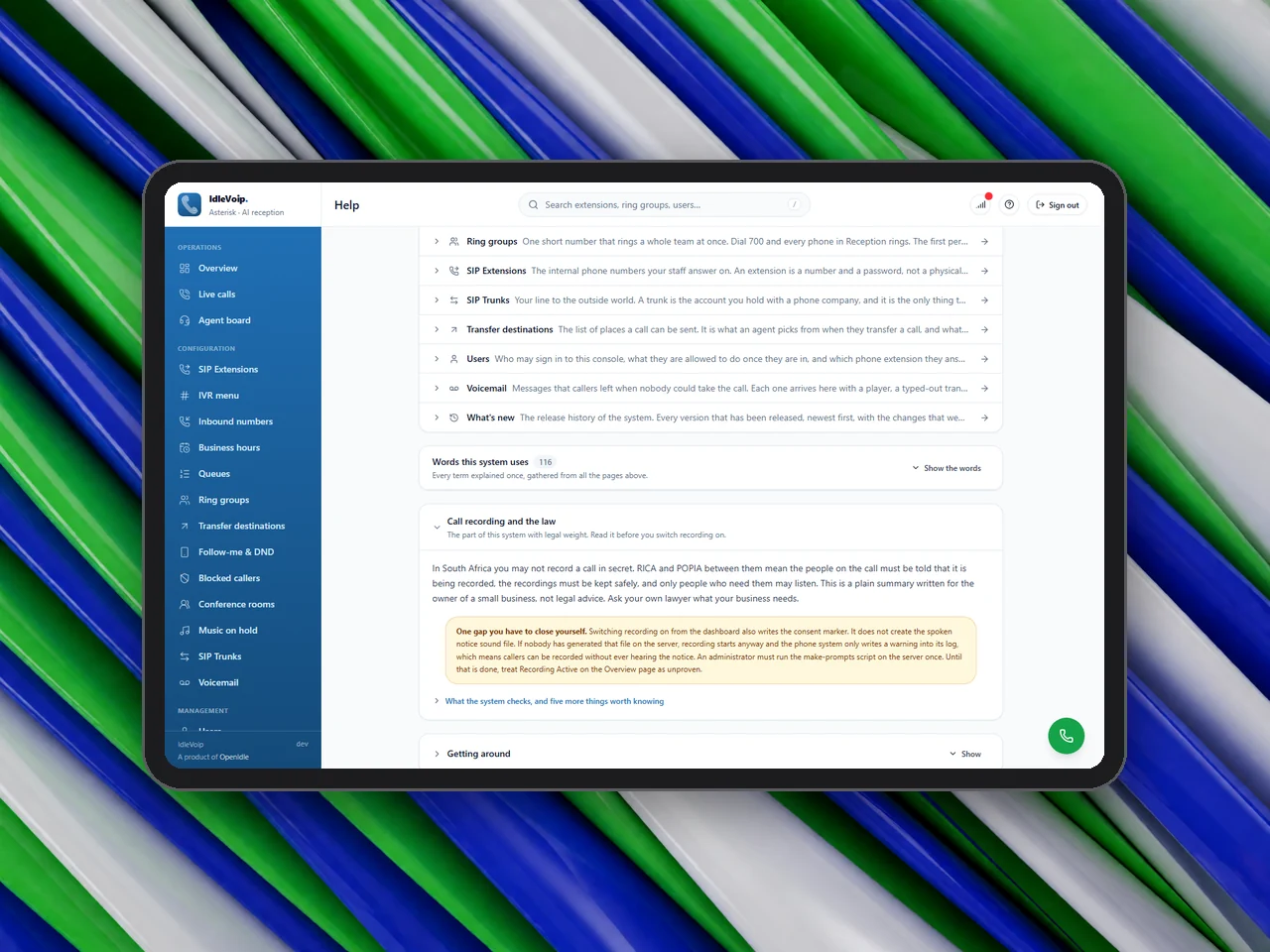
Caller audio never leaves your server: speech-to-text and text-to-speech both run locally, and with a local language model even the transcript stays home. Call recording requires both the console switch and a spoken consent notice, enforced in the dialplan so nobody can record quietly. Four roles with a fixed permission matrix, hashed passwords, CSRF protection and an audit line for every change. Retention periods are deliberate and configurable, and recordings can be archived to a bucket in Cape Town.
Local speech recognition and voice, so caller audio never leaves your server. Recording consent enforced in the dialplan. Four roles, an audit log and deliberate retention periods.
Audio stays on-premises
Speech recognition and voice synthesis run in your own containers. Recordings can be archived to any S3-compatible bucket, including one in South Africa.
Consent-first recording
No spoken notice, no recording — a rule the phone system enforces itself. Blocked and after-hours callers are refused before anything answers, so they are never recorded.
Roles & audit trail
Admin, supervisor, agent and viewer roles, every change and monitoring session logged, and retention windows for activity, history, notifications and voicemail.
One server, the whole exchange
A reply from the assistant within about two seconds of the caller’s last word, thirty-one console pages each with plain-English help, five ready-made receptionist personas, and a full PBX in five containers on one server.
An AI reply in about two seconds, thirty-one console pages, five receptionist personas, and a full PBX on one server.
From sign-off to first call
Discovery
We map your numbers, departments, opening hours and call flows, and choose the assistant persona and hand-over rules that suit your business.
Provision
We stand up the stack on your server or a VPS, connect your SIP trunk and inbound numbers, and load extensions, IVR prompts and hold music.
Go live
Handsets and browser softphones are registered, the assistant is trained on your wording, and we test every route before your numbers switch over.
Manage & support
We monitor, update and support the system, ship new releases, and adjust routing, personas and budgets as your business changes.
IdleVoip FAQ
No, and that is deliberate. The assistant takes an appointment request with the caller’s details and passes it to a person, who confirms it. It never tells a caller something is booked, confirmed, cancelled or paid.
No. Any SIP desk phone or softphone works, and the console includes a browser softphone that needs no hardware at all. Each extension rings on both at once.
Nowhere. Speech recognition and voice synthesis run on your own server. Only the text of what a caller said goes to a language-model provider, and even that can be kept local with an on-premises model.
Recording is legal when callers are told, recordings are stored safely and only people who need them can listen. IdleVoip will not record unless a spoken notice is in place and the switch is on, and every access is logged. This is a plain summary, not legal advice.
English, in a South African register, for now. It uses rand and local phrasing. A multilingual recogniser is on the roadmap; we will not claim Afrikaans or other languages until they work reliably.
The default configuration comfortably handles around ten concurrent calls on a modest server, and the media range can be widened for busier sites. We size the server to your expected volume during discovery.